Quick answer: To delete your PrizePicks account, withdraw your balance, open the menu, go to Settings and tap Delete Account at the bottom. Deleting isn't final: PrizePicks says it can reactivate a deleted account. To close it for good, choose LIFETIME under Self-Exclusion in the Responsible Gaming tab, which blocks reactivation and new accounts.
Quitting gambling
How to Delete PrizePicks Account Permanently: Delete, Then Self-Exclude
By QuitBet Addiction Research Team · Updated · 9 min read
On this page
- Does deleting your PrizePicks account make it permanent?
- How to delete PrizePicks account permanently, step by step
- What should you say to PrizePicks support?
- How long does PrizePicks self-exclusion last?
- Does it cover PrizePicks Predict and other products?
- What happens to the money left in your account?
- How do you stop yourself from opening a new account?
- What should you do in the first few days after?
- FAQ
This guide covers how to delete PrizePicks account access so it still holds on a bad night. If you've decided you're done with pick'em, uninstalling the app won't do it. The account and your saved card are still there, and reinstalling takes a minute.
The steps come from PrizePicks' own help center and terms, checked on November 14, 2026. Menus move, so if a button isn't where we say, PrizePicks support can do each step for you.
Does deleting your PrizePicks account make it permanent?
No. PrizePicks' deactivation page says you can delete your account if you no longer want to use the platform, then adds: "If you decide to give PrizePicks another try later on, we can reactivate your original account."
That's a door left open, and the urge to reopen it tends to show up on a big game night or after a rough day. PrizePicks gives you three ways to step away, and they differ in how easy they are to undo:
| Option | Where you find it | Can it be undone? | What it does |
|---|---|---|---|
| Delete Account | Menu > Settings > bottom of the page | Yes. PrizePicks says it can reactivate your original account | Closes the account |
| Timed self-exclusion | Responsible Gaming tab > Self-Exclusion | Not early. When the period ends, you email support to get access back | Blocks all account access and marketing notifications for 30 days or more |
| LIFETIME self-exclusion | Responsible Gaming tab > Self-Exclusion > LIFETIME | No. You can't reactivate it or open a new account "for any reason" | Permanently deactivates the account |
Sources: PrizePicks' deactivation page and responsible gaming page, both last updated October 19, 2026.
If you want PrizePicks gone, the LIFETIME option is the one that does it.
How to delete PrizePicks account permanently, step by step
Do these in one sitting if you can. Our free quit-gambling checklist has space to tick off each account as you close it.
- Withdraw your balance. PrizePicks recommends withdrawing any money left in the account before you finalize a self-exclusion, because you lose access as soon as you submit it.
- Open the Responsible Gaming tab. In the app, tap the menu in the top left corner. In a web browser, the menu is in the top right corner, and the tab is also linked in the page footer.
- Scroll to the Self-Exclusion section and choose LIFETIME from the dropdown. PrizePicks says this permanently deactivates the account, and you won't be able to reactivate it or create a new one.
- If you'd rather have support handle it, or something goes wrong, write to PrizePicks support (see below) and ask for a lifetime self-exclusion in writing.
- Check that it worked. The next day, try to sign in. If you can still get in, contact support again.
PrizePicks lists two separate routes. Delete Account is for people leaving for reasons unrelated to how much they play. Self-exclusion is the route its deactivation page points to if you have concerns about your health, safety or problem gaming. If gambling is why you're leaving, you're in the second group.
Where Delete Account is, if you still want it
In the PrizePicks app, open the menu in the top left corner. On the website, it's in the top right. Go to Settings, scroll to the bottom and select Delete Account, shown in red (PrizePicks). PrizePicks' terms of service also say you can cancel your account through your account settings or by email.
Deleting doesn't hurt as an extra step, but on its own PrizePicks can reverse it.
What should you say to PrizePicks support?
Keep it short and in writing so you have a record. PrizePicks' help pages offer live chat through "Start a Chat" in the help center, and its responsible gaming page gives support@prizepicks.com as the support address.
You can copy this:
"I'm closing my PrizePicks account because of a gambling problem. Please apply a lifetime self-exclusion to my account, stop all marketing to me, and confirm in writing. If I have a balance, please tell me how to withdraw it."
You don't have to explain more than that. If you're offered a timeout or a shorter break instead, say no and repeat the request.
How long does PrizePicks self-exclusion last?
You pick the length. PrizePicks' responsible gaming page says self-exclusion turns off all access to your account and blocks marketing notifications for 30 days or more, with a LIFETIME option at the end of the list.
A timed exclusion runs out. When the period ends, you can get your account back by emailing support, which reviews the account and lifts the restrictions. A lifetime exclusion can't be reversed. And for any limit, timeout or self-exclusion you set, PrizePicks says you can't edit or delete it until the period you chose is over.
If you're sure you want to stop, pick LIFETIME. A 30-day exclusion ends just as the next season heats up, and getting back in takes one email.
PrizePicks also lists shorter tools: timeouts of 1 to 30 days that pause picks and deposits, deposit and entry-fee limits, and activity alerts. Those are built for people who plan to keep playing, so they aren't the tools for quitting.
Does it cover PrizePicks Predict and other products?
PrizePicks doesn't say on its help pages. Its responsible gaming page lists daily fantasy and Free to Play, Packs, and Team Picks and Culture Picks, which are event contracts offered by Performance Predictions II, LLC, doing business as PrizePicks Predict. The self-exclusion text describes blocking "all access" to your account but doesn't name these products.
When you write to support, ask them to confirm that your lifetime self-exclusion covers every PrizePicks product, including Predict and Packs. Get the answer in writing.
What happens to the money left in your account?
Withdraw it before you self-exclude if you can. PrizePicks' terms of service say you can close your account and withdraw deposits or winnings at any time, as long as there's no pending investigation on the account. Withdrawals can take up to five business days to process, and pending deposits have to clear before you can withdraw them.
The terms also mention a 1X playthrough requirement on some deposits, meaning the deposit has to be used in entries before it can be withdrawn. If support tells you money is held back for that reason, don't place entries to free it up. Ask support in writing what your options are. A few more entries "just to get the money out" is how a lot of people end up chasing losses.
If betting has left you with debt, our guide to gambling debt covers protecting rent and bills first and finding free credit counseling.
How do you stop yourself from opening a new account?
A lifetime self-exclusion stops a new PrizePicks account. It does nothing about Underdog, the sportsbooks or the next app you see advertised during a game. These barriers cover more ground:
- Check whether your state has a self-exclusion list for fantasy contests. Pennsylvania, for example, lets you self-exclude from fantasy contests online through its Gaming Control Board, and you choose the length when you enroll. Find your state's programs on the National Council on Problem Gambling's map.
- Close your other accounts the same way. Our guide to deleting a DraftKings account covers DraftKings, which also runs Pick6, and how to stop sports betting covers the rest of the plan.
- Block gambling apps and sites on every device. Our gambling blocker finder gives steps for your phone and computer, and Gamban vs BetBlocker vs QuitBet compares three blockers.
- Make the money harder to reach. Remove saved cards from your phone's autofill and payment apps.
Our 7-layer plan to stop online gambling walks through each layer in more detail.
What should you do in the first few days after?
Expect the urge to come back, often at the times you used to build lineups: before the early games, or on a weeknight with a full slate. Feeling restless or irritable for a while is common and doesn't mean you made a mistake. Our guide to gambling withdrawal symptoms explains what to expect.
Plan for the moments you know are coming. Write down what you'll do instead when the urge hits, using our free urge plan worksheet. Tell one person you deleted the account today. If game days are the hard part, our game-day plan helps you fill those hours.
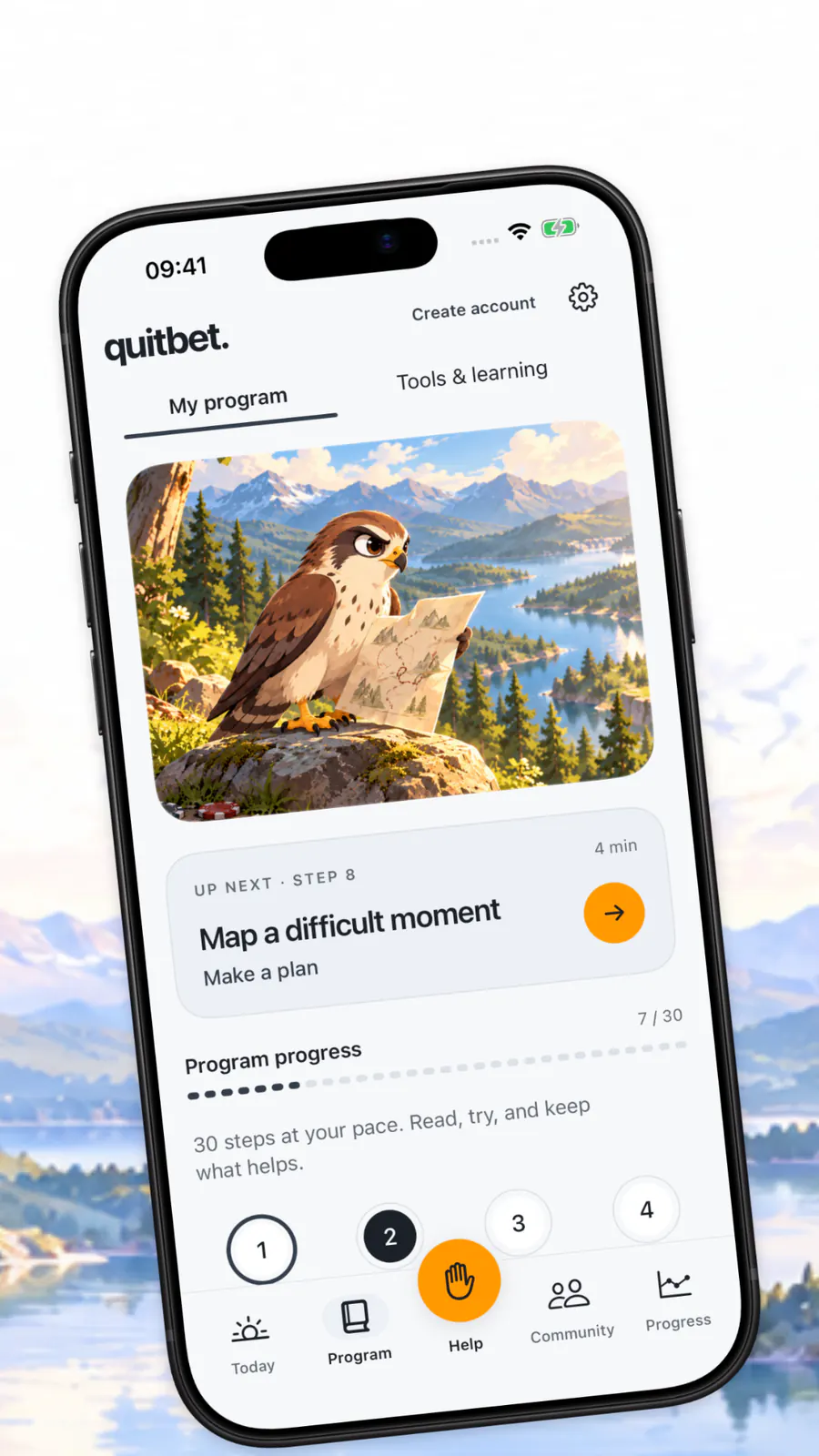
QuitBet, for iPhone (iOS 18 or later) and Android, blocks gambling apps and sites: through Apple's Screen Time on iPhone, and with an on-device filter and app blocking on Android. When an urge hits, its urge tools offer short breathing and focus exercises, and its AI chat is there at 2am. It also has daily check-ins on urges and triggers, streak and money-saved tracking, and a community of people who are quitting too. It's free to start and works alongside therapy or Gamblers Anonymous, not in place of them.
If you're struggling right now, call or text 1-800-MY-RESET (1-800-697-3738). The National Problem Gambling Helpline is free, confidential and open 24/7.
FAQ
Can I reactivate my PrizePicks account after deleting it?
Yes, if you only deleted it. PrizePicks' deactivation page says it can reactivate your original account if you want to come back. A LIFETIME self-exclusion is different: PrizePicks says you can't reactivate the account or create a new one.
What's the difference between deleting PrizePicks and self-exclusion?
Delete Account, in Settings, closes the account, but PrizePicks can reopen it later. Self-exclusion, in the Responsible Gaming tab, blocks all access and marketing for the period you pick, and you can't cancel it early. Choose LIFETIME if you want it permanent.
How do I self-exclude from PrizePicks?
Log in, open the menu (top left in the app, top right on the website) and go to the Responsible Gaming tab. Scroll to Self-Exclusion and choose a period from the dropdown, or LIFETIME to deactivate the account permanently. Withdraw your money first, because access ends when you submit.
Can I get my money out after I self-exclude?
PrizePicks recommends withdrawing before you finalize a self-exclusion, since you lose access to the account as soon as you submit it. If you've already self-excluded with money in the account, email PrizePicks support and ask how to withdraw it.
Can I make a new PrizePicks account after deleting my old one?
PrizePicks' rules ban multi-accounting, and its deactivation and termination page says it can suspend or cancel accounts and void prizes for it. After a LIFETIME self-exclusion, PrizePicks says you can't create a new account for any reason.
Will PrizePicks stop sending me promotions?
PrizePicks says self-exclusion blocks all marketing notifications for its length. If you only delete the account, ask support in writing to remove you from all marketing, then unsubscribe from any emails and texts that still arrive.
I deleted PrizePicks but I'm still playing on other apps. What now?
That happens a lot, and it's a sign to add barriers that cover every app at once: your state's self-exclusion programs and a gambling blocker on each device. You can also call or text 1-800-MY-RESET, the free and confidential National Problem Gambling Helpline, any time.
Need to talk to someone right now? Call or text 1-800-MY-RESET (1-800-697-3738), or chat online, to reach the National Problem Gambling Helpline. It's free and confidential, and it's open 24/7. If you're having thoughts of suicide, call or text 988.
The QuitBet app
Keep your daily plan close
QuitBet for iPhone and Android brings your quit plan, check-ins, gambling blocking and urge tools together.
- Quick help for the moment an urge hits
- Daily check-ins, streaks and money saved
- A blocker for gambling apps and websites
- A community of people quitting too

On a computer?Scan with your phone camera to get QuitBet on iPhone or Android.
Rated 4.4 on the App StoreFree to start on iPhone and Android.